 Nuclideon
 Every point your sensor captured. On the laptop you already carry.
Every point your sensor captured. On the laptop you already carry.
Your data outgrew your tools. Years ago.
Your data outgrew your tools. Years ago.
Drones, mobile LiDAR rigs, and terrestrial scanners produce larger datasets every year. Sensor prices drop. Point density climbs. The data doubles, but the tools don't. Your rendering software forces three compromises you never agreed to:

Cut the data.
Your team subsamples and tiles point clouds to fit the rendering tool. An 80GB drone capture becomes a 4GB approximation. Your analysts make decisions on 10% of what the sensor captured.
Buy GPUs.
Enterprise GPUs cost $16,000 to $20,000 per year in total cost of ownership. Power, cooling, staffing, and idle capacity are not optional. Field teams cannot carry them. Classified networks will not allow them.
Go cloud-only.
At 2Mbps satellite bandwidth, a 4TB capture sits six months away from anyone in the field. If the network is classified, the transfer never happens. Your analysts wait, or they work without the data.
We eliminated all three.
We eliminated all three.
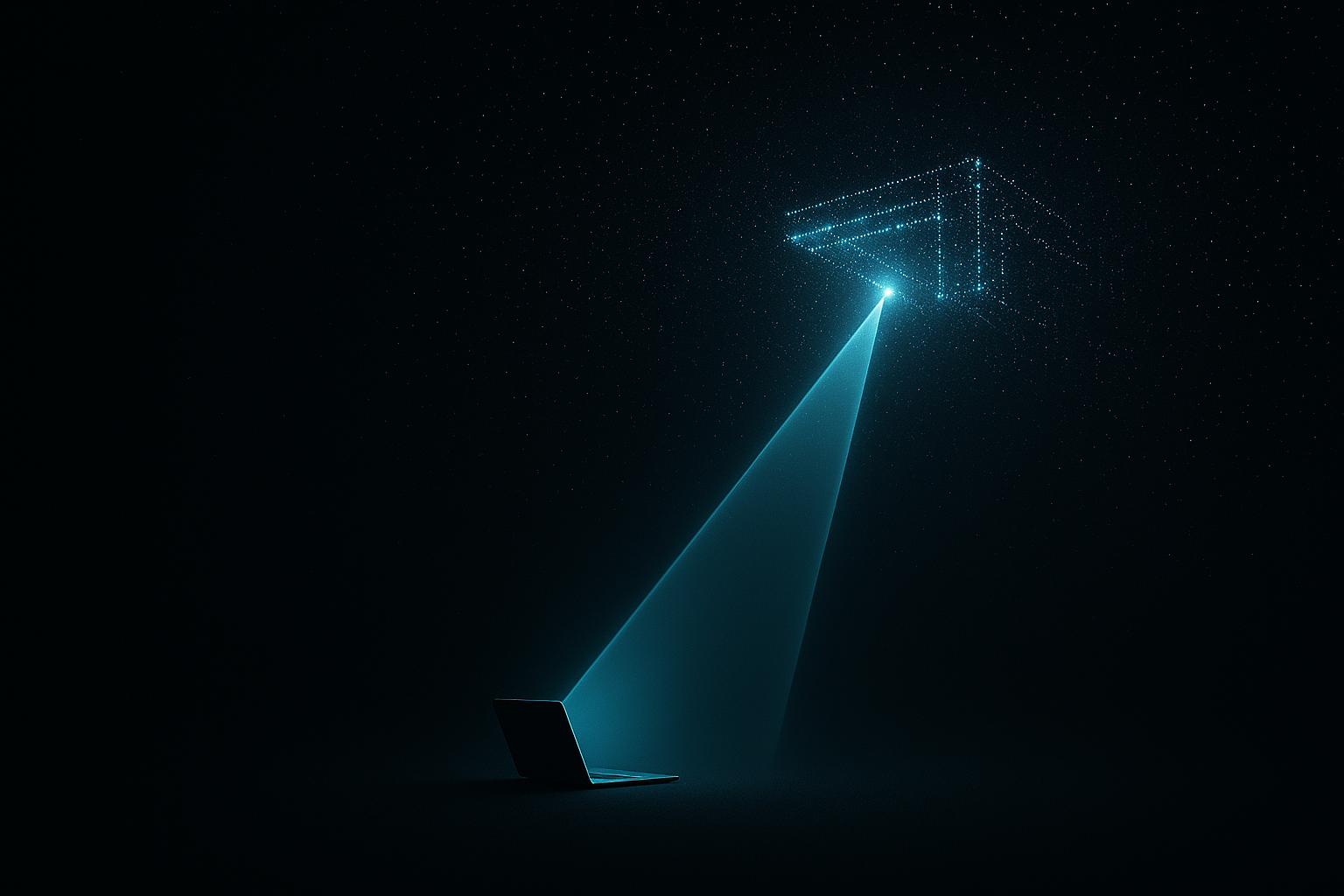
Nuclideon's Unlimited Detail™ engine works on a different principle (US Patent No. 9842425; international patent family). Instead of pushing geometry through a GPU graphics pipeline, the engine uses a search algorithm that finds the exact points needed for each pixel, frame by frame, from disk or network storage. A 200TB dataset does not need 200TB of RAM. The engine streams the relevant subset for each frame and maintains full-resolution rendering at interactive frame rates on commodity hardware.
Your current tools made you choose. udStream doesn't.
Your current tools made you choose. udStream doesn't.
- Every point the sensor capturedLoad datasets exceeding 200TB. Navigate without fidelity loss. The data your sensor recorded is the data your analyst sees. No tiling. No decimation. No level-of-detail approximation.
- No dedicated GPU requiredThe rendering pipeline operates on CPU and everything else only needs an integrated GPU. Runs on the same Dell Latitude, Lenovo ThinkPad, or HP EliteBook your organization already deploys. Minimum spec: 4-core CPU, 8GB RAM, SSD.
- Air-gapped and offline deployment.Host data in the cloud because you want to, not because you have to. Your data lives where you want it to be. Go fully offline- The US Navy runs it on isolated classified networks.
- One load. Every source.LiDAR, photogrammetry, UAV captures, terrain models, and CAD overlays in a single 3D environment at full resolution. Your team stops switching tools and starts measuring, annotating, and querying across every dataset at once.
- Not a viewer. A workspace.udStream is where your team works, not where they look. Measure distances, run cross-sections, and filter by classification. Compare temporal datasets to track change over time. Annotate for field teams or command staff, then export findings as CSV, GeoJSON, or MP4.
udStream Pro connects to udCloud. Your team curates in Pro. Stakeholders open a browser link and review the same dataset at full resolution. No second install, no additional format conversion.
Built for teams who cannot afford to see less than 100% of their data.
Built for teams who cannot afford to see less than 100% of their data.
- Defense & IntelligenceYour classified networks ban GPU workstations and commercial cloud platforms. udStream runs on government-issue hardware, on air-gapped networks, with zero connectivity requirement. The US Navy chose it for this reason.
- Mining & ResourcesAn 80GB drone capture of the full pit wall at sub-centimetre resolution. Your geotechnical lead inspects slope stability, compares against last month's survey, and annotates risk zones. On a site office laptop. The same day the drone landed.
- Survey & Linear InfrastructureA 200GB corridor dataset from Leica, DJI, and RIEGL sources loaded together at native resolution. Your senior surveyor runs QA on the full capture, flags discrepancies across sensors, and shares the live dataset with the client before the field crew returns to the office.
Load. See. Deploy.
Load. See. Deploy.
Load your data.
Drag your dataset into udStream. LAS, LAZ, E57, PLY, PTS, XYZ, and proprietary formats from many scanners including RIEGL.
See everything.
Navigate your full dataset. Mark what matters. Share what you find.
Deploy anywhere.
Install udStream on air-gapped classified networks, remote mine site laptops, or field survey hardware. No cloud dependency. No GPU procurement cycle.
Technical Specifications
Technical Specifications






The US Navy runs udStream on classified, air-gapped networks. Lockheed Martin integrated udSDK into a C2/ISR system. The Queensland Government uses it for mineral exploration digital twins on standard government hardware.
Built for your environment
Your team is making decisions on as little as 10% of their captured data. Send us the other 90%.

Your team is making decisions on as little as 10% of their captured data. Send us the other 90%.
Pick your hardest dataset. The one that crashes your current platform or takes six hours to subsample. We load it into udStream, render it at full resolution on a standard laptop, and walk your team through the result. 30 minutes. No commitment. You see your data and decide.